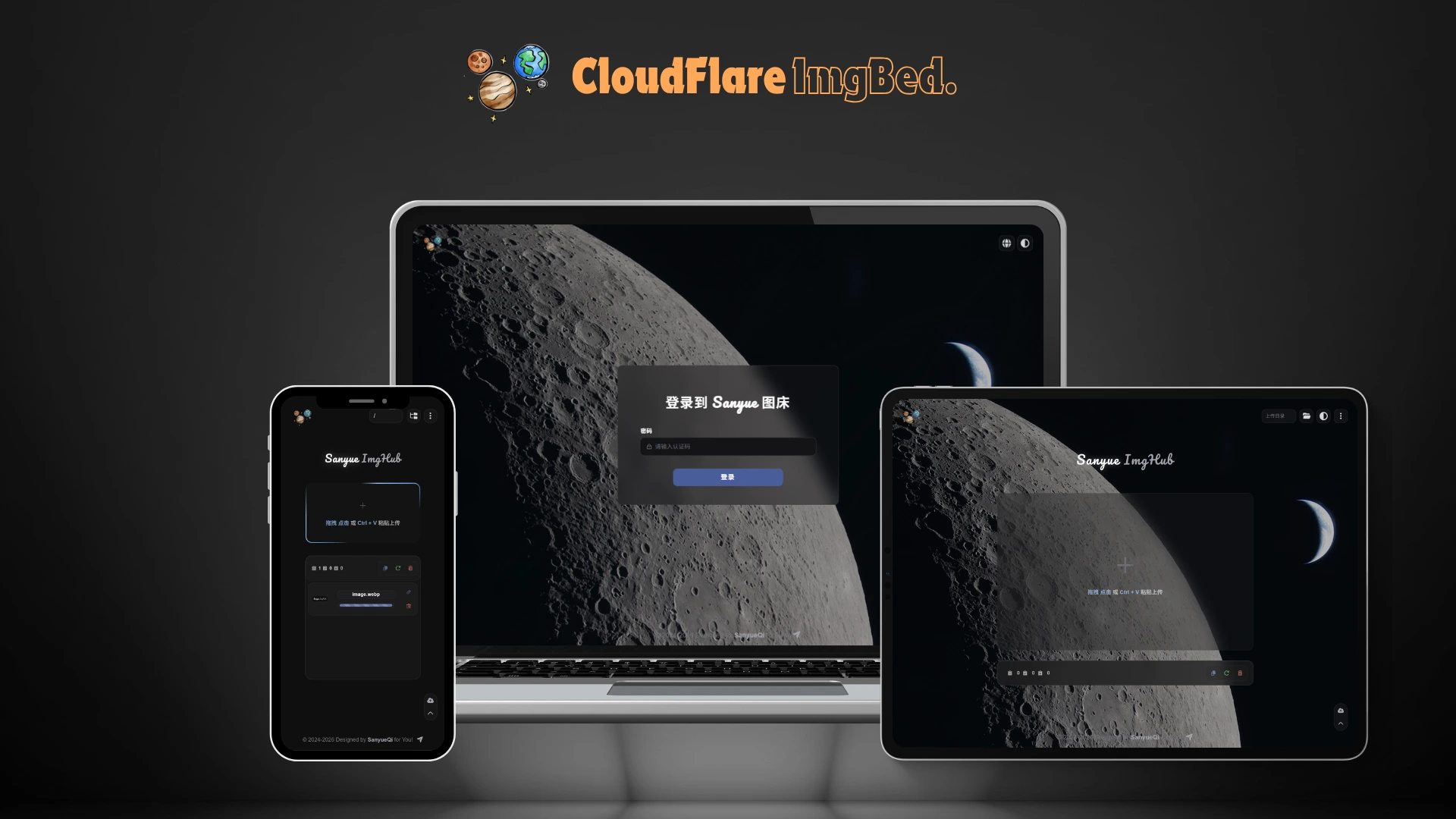
- 背景
自建的 CloudFlare ImgBed 一直当图床用,最近想把它的随机图接口接过来,做站点图床。
- 现象
接口开了,参数也照文档填了,但
/random一律回"Directory not allowed":json {"error":"Directory not allowed"}- 结果
白名单里填的是接口路由而不是存储目录,当白名单非空时,请求必须带 dir
先分清两个域名
官方随机接口文档链接 https://cfbed.sanyue.de/api/random.html,其中写的接口是这样的
网站随机背景
<img src="https://your.domain/random?type=img&orientation=landscape" alt="随机背景">
CSS 背景图
.hero {
  background-image: url('https://your.domain/random?type=img&orientation=landscape');
  background-size: cover;
}
但是请求仍然返回
{"error":"Directory not allowed"}
- 当白名单非空时,请求必须带 dir !!!
/random                  -> 403  Directory not allowed
/random?type=img         -> 403  Directory not allowed
白名单不为空,所有请求都得显式带上 dir,包括最常用的 type=img 直出图片。随机图片请求都得带参数:
<img src="https://img.example.com/random?type=img&dir=/wp" alt="随机图">
.hero {
  background-image: url('https://img.example.com/random?type=img&dir=/wp&orientation=landscape'),'&dir=/wp'
  background-size: cover;
}
HTTP/2 404 content-type: image/png content-length: 418744 cf-cache-status: HIT age: 6
## 参数速查

| 参数 | 默认 | 说明 |
| --- | --- | --- |
| `type=img` | — | 直接返回图片字节,此时 `form` 失效 |
| `form=text` | json | 设为 `text` 返回纯路径;否则返回 `{"url":"/file/xx/yy.webp"}` |
| `dir` | — | 目录前缀,相对路径(写成 `/wp` 或 `wp` 都对);**白名单非空时必填** |
| `content` | `image` | `image,video`,逗号分隔 |
| `orientation` | — | `landscape` / `portrait` / `square` / `auto` |

## 完
<img src="https://img.kr-zhan.top/random?type=img&dir=/sj" alt="一张横向随机图片,来自 sj 图片集合并作为网页背景展示;画面及其中的主体会随接口请求而变化">
评论区